Frutiger Home Fatal Error and crashes
Fatal Error reports cluster on Intel Arc and on heavy building sessions. Verified steps first, reinstall last.
Short answer
Two crash patterns dominate the Frutiger Home demo forums, and they are different problems:
- "Fatal Error" on startup — reported on 6 July 2026 by a player with an Intel Arc graphics card, who reinstalled and still could not launch.
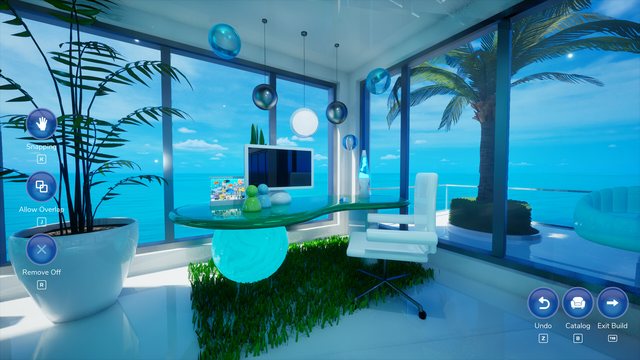
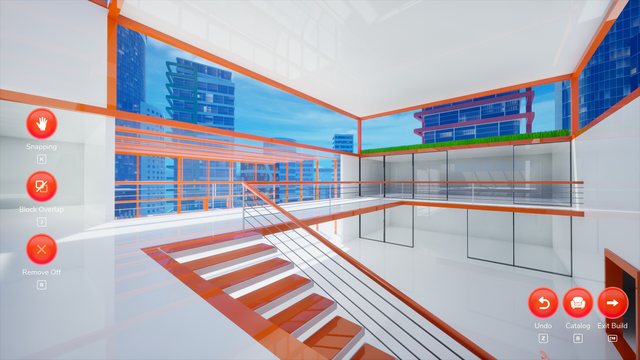
- Crash while building — reported on 6 September 2026, where the game closed with a window that only said Fatal Error.
No official fix or acknowledgement was published for either before launch. The minimum spec is a GTX 1060 / RX 480 on DirectX 11 with 15 GB of free space, so if you are outside that GPU family, that is the first thing to check.
What the reports have in common
| Report | Date | Symptom | What the player tried |
|---|---|---|---|
| Intel Arc startup crash | 6 Jul 2026 | Fatal Error dialog on launch, game never reaches the world | Reinstalled — did not help |
| Building crash | 6 Sep 2026 | Game closes with a Fatal Error window while the player was building a house | Not stated |
Both are demo-build reports. Both describe a Fatal Error dialog rather than a silent close, which is the game's own crash handler reporting an unrecoverable error rather than your machine dying.
What to try, in this order
We are keeping this to steps that follow from the published requirements and the reports above — not a generic "clear your cache" list.
- Check your GPU family first. The minimum listed is NVIDIA GTX 1060 / Radeon RX 480. The only startup-crash report names Intel Arc, and reinstalling did not fix it. If you are on Arc (or any integrated GPU), treat this as a known risk rather than a mystery.
- Confirm Windows 10 64-bit and DirectX 11. These are the stated requirements. A DirectX 12-only setup or a 32-bit install is outside the published configuration.
- Free up the 15 GB. The stated storage requirement is 15 GB available for the install. A nearly full drive is one of the few failure modes that produces an install that launches and then dies once it starts streaming assets, which is the shape of the "crashes while building" report.
- Reproduce it deliberately and note what you were doing. The September report happened while building. If your crashes cluster on one activity — placing walls, opening a catalogue, rotating an aquarium light — that detail is what makes a useful bug report.
- Report it to the developer, then here. The store page lists frutigerdev@gmail.com as the support contact. If they answer, we would like to add the answer to this page — send it through the contact page.
What we do not know
| Question | Status |
|---|---|
| Is the Intel Arc startup crash fixed in the launch build? | Unknown — no patch note or developer reply before launch |
| Is the building crash tied to a specific object or action? | Unknown — the report does not isolate one |
| Are there crash logs the player can read? | Not documented publicly |
| Is there a safe-mode or compatibility flag? | Not documented publicly |
Preventing the worst case
The demo's own feature set gives you two cheap safety nets before launch:
- Your demo house auto-saves, and the developer says it carries into the full game. A crash mid-session costs you the last few minutes of decorating, not the whole house.
- Play the demo on the machine you plan to buy the game for. The demo has the same 15 GB requirement and the same minimum GPU as the full game, so a demo that runs cleanly is real evidence; a demo that Fatal Errors on startup is a warning you can act on before spending money.