Frutiger Home character customization
Change Appearance has a Color tab and an Accessories tab. The demo did let you restyle the jelly body, and faces are a requested feature.
Short answer
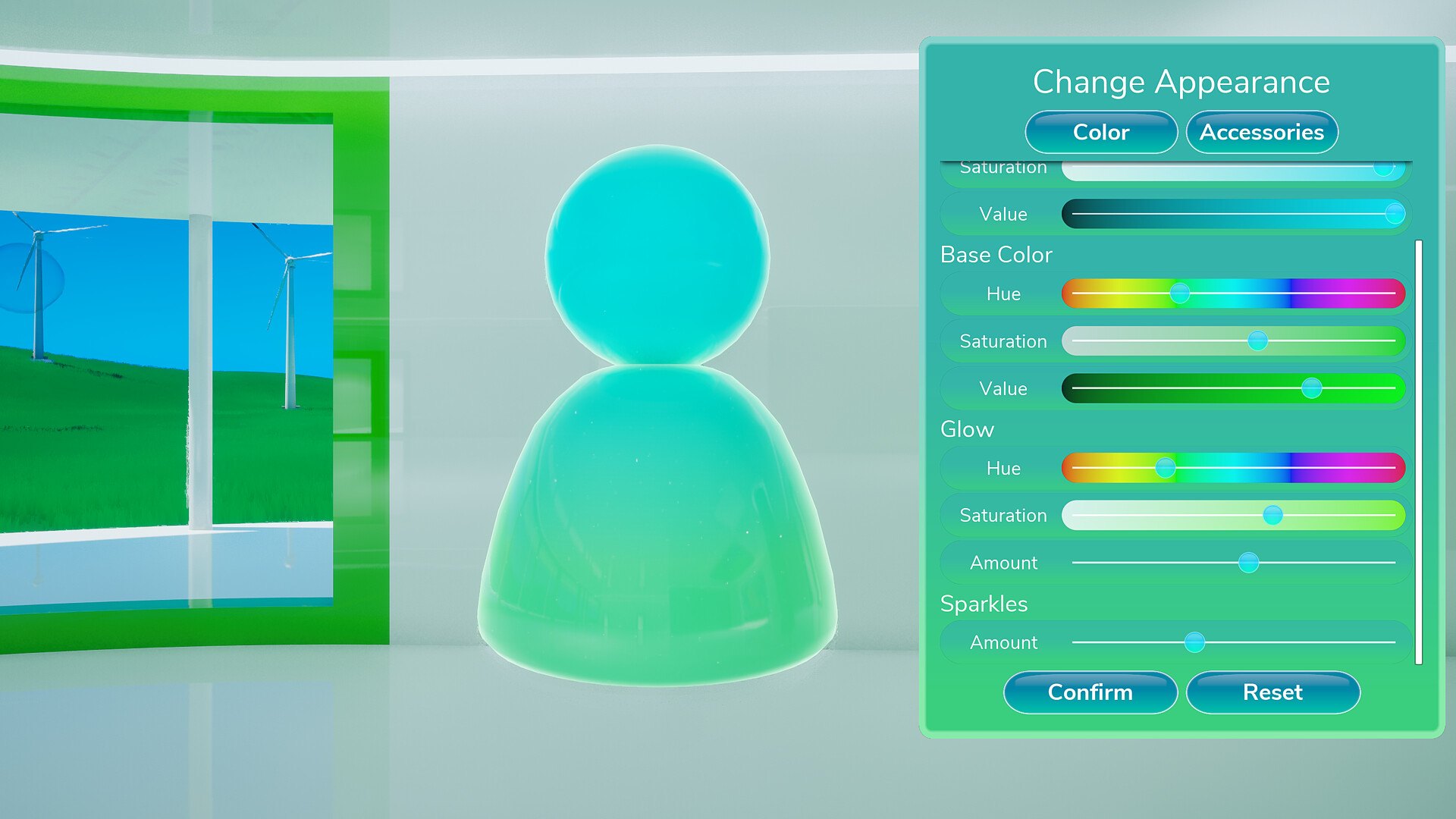
Character customization lives in a window called Change Appearance, with two tabs — Color and Accessories. The Color tab drives the jelly body through Base Color (Hue / Saturation / Value), Glow (Hue / Saturation / Amount) and Sparkles (Amount), with Confirm and Reset buttons. A player asked in the demo period whether character colour could be customized at all — the screenshot below is the answer.
The window, element by element
Transcribed from the official Steam screenshot of the demo build:
| Element | Visible text |
|---|---|
| Window title | Change Appearance |
| Tabs | Color · Accessories |
| Base Color sliders | Hue · Saturation · Value |
| Glow sliders | Hue · Saturation · Amount |
| Sparkles slider | Amount |
| Buttons | Confirm · Reset |
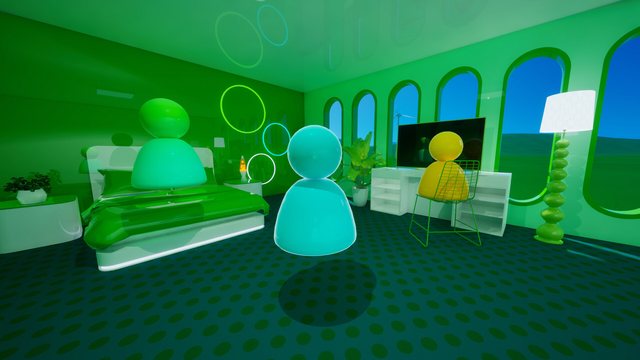
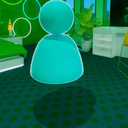
The character model sits on the left of the window, a rounded body with a spherical head in a cyan-to-green gradient with a glossy highlight — the same jelly shape you see standing in the official room screenshots.
What the demo threads asked
| Date | Question or request | What we can say |
|---|---|---|
| 10 Jul 2026 | "Is it possible to customize your character color in the demo?" | Yes — the Change Appearance window with Base Color/Glow/Sparkles appears in the official demo screenshots |
| 5 Sep 2026 | "Add faces to the guys that are toggleable" | A request, not a feature. No developer confirmation before launch |
| 22 Aug 2026 | Controller support described as "horrible" in the demo | Relevant here because character editing is menu-heavy; the full game lists Full controller support while the demo only lists Partial |
How to approach it
- Style the body first, then the room. Base Color/Glow/Sparkles are cheap to redo; a house full of furniture styled to match a character you later repaint is not.
- Use Glow for readability, not decoration. In the official screenshots the jelly characters are the brightest objects in an aqua room — Glow and Sparkles are what make you find your own character in a wide shot.
- Reset is the safe move. The window ships with Reset next to Confirm, so experimenting costs one click rather than a manual undo.
- Accessories are a separate tab. If you only see colour controls, you are on the Color tab — the switch sits at the top of the window.
Known gaps
- Full option counts are unpublished. The screenshot shows sliders, not a catalogue; we cannot tell you how many accessories exist.
- Faces are not confirmed. The most-liked cosmetic request in the forums was toggleable faces. As of 26 September 2026 there is no official answer.
- No official size/appearance presets are documented. The store page describes decorating a home, not creating a character, so treat this as a styling tool rather than a character creator.